
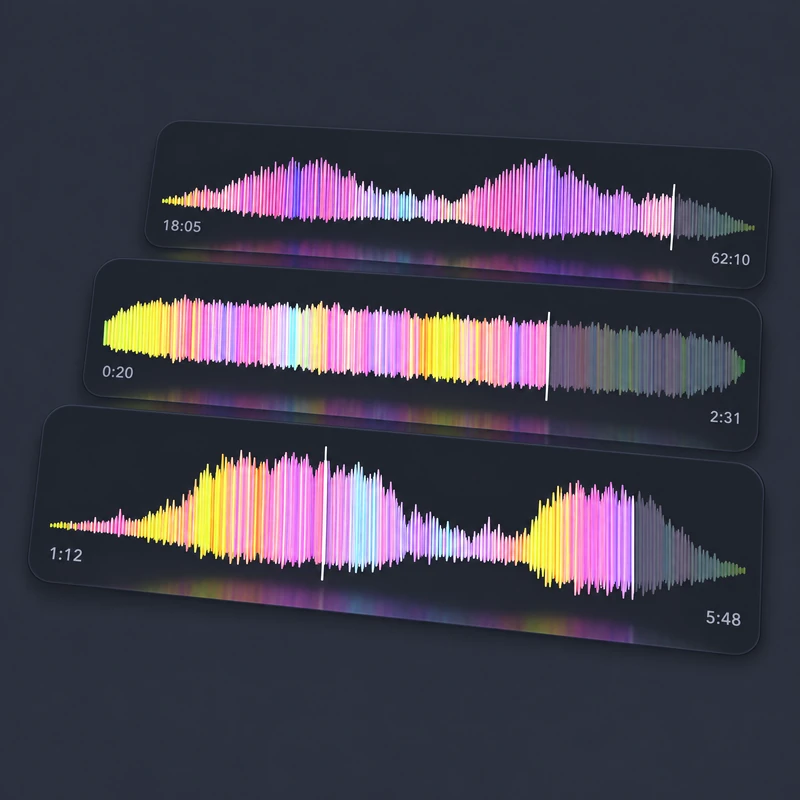
See the whole track
Height is loudness, colour is spectrum: red bass, violet highs. Intro, drop, breakdown before you hear them. Click to jump.
 Download for Mac
A native macOS player with a full-track spectral waveform—and the real audio file ready to drag straight into your DAW.
Height is loudness, colour is spectrum: red bass, violet highs. Intro, drop, breakdown before you hear them. Click to jump.
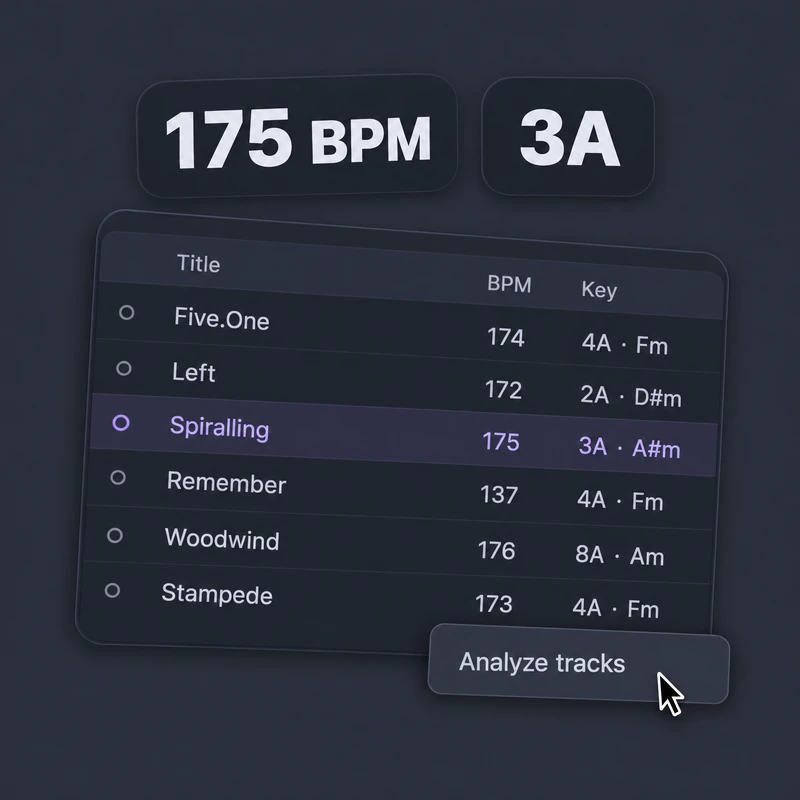
Select tracks, right-click, Analyze. Tempo and Camelot key are computed by macOS and written back into the file tags.
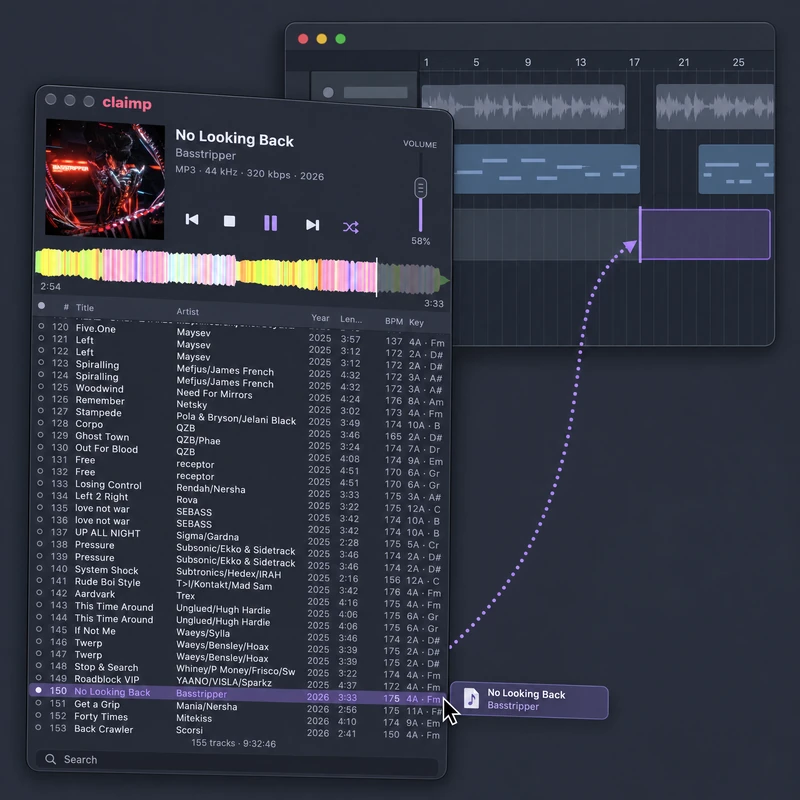
Grab a row and drop it into Ableton, Bitwig or Finder. No export, no dialogs.
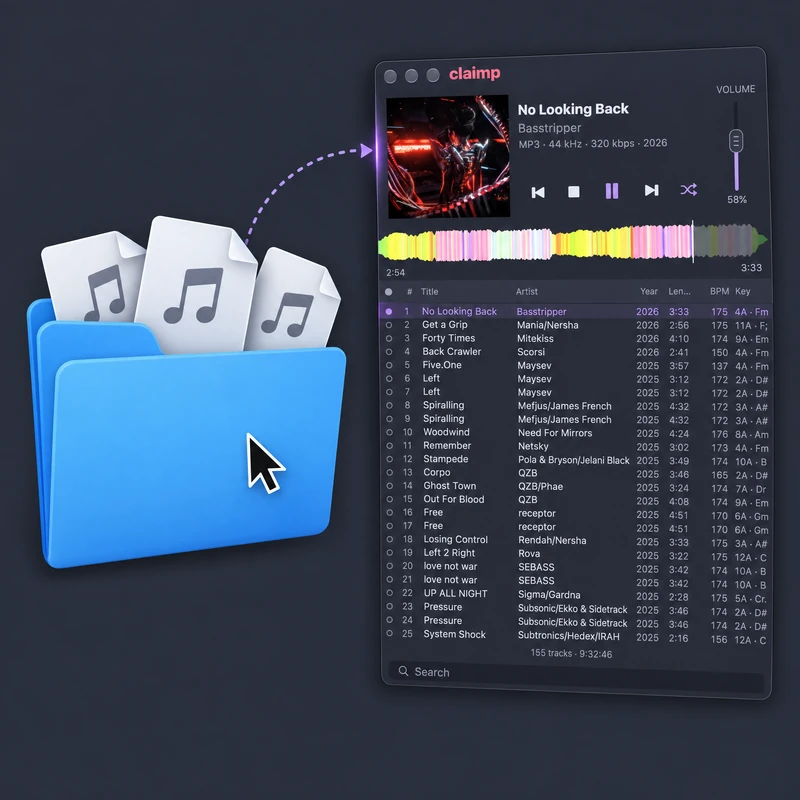
Onto the window or the Dock icon. Sorting, search and the played lamp keep the set under control.
Fast launch, familiar Mac controls, and no browser shell around the player.
Your tracks, analysis, playlist state, and played marks stay on your Mac.
Claimp is Apache-2.0 licensed. Read the code on GitHub.